
Step 01 – Accessing the CEP Brasil Extension in Zoho Bigin
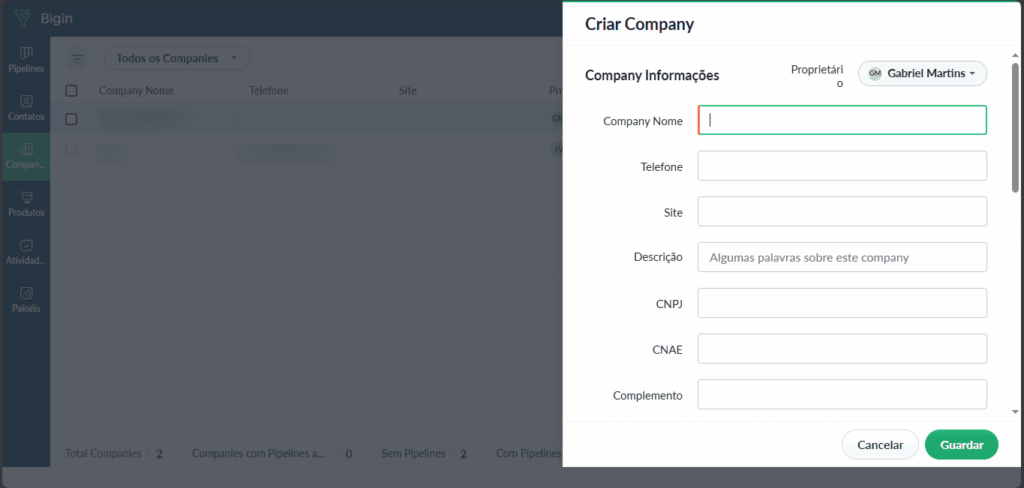
1. Register a Company in Zoho Bigin:
∙ In the Zoho Bigin Companies module, start by registering a company as you normally would.
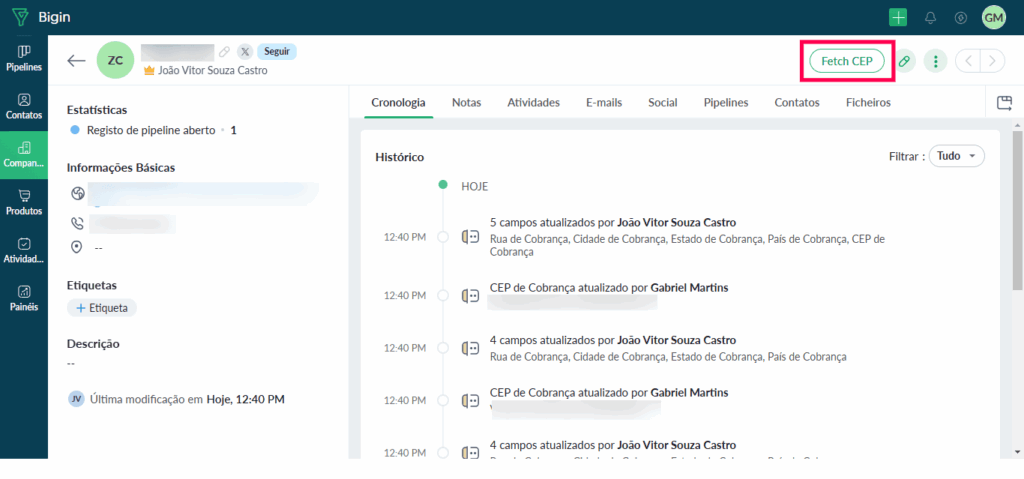
2. Locate the Fetch CEP Button:
∙ After successfully registering a company, a green button labeled “Fetch CEP” will appear in the top-right corner of the company’s profile page.
Step 02 – Using the CEP Brasil Extension
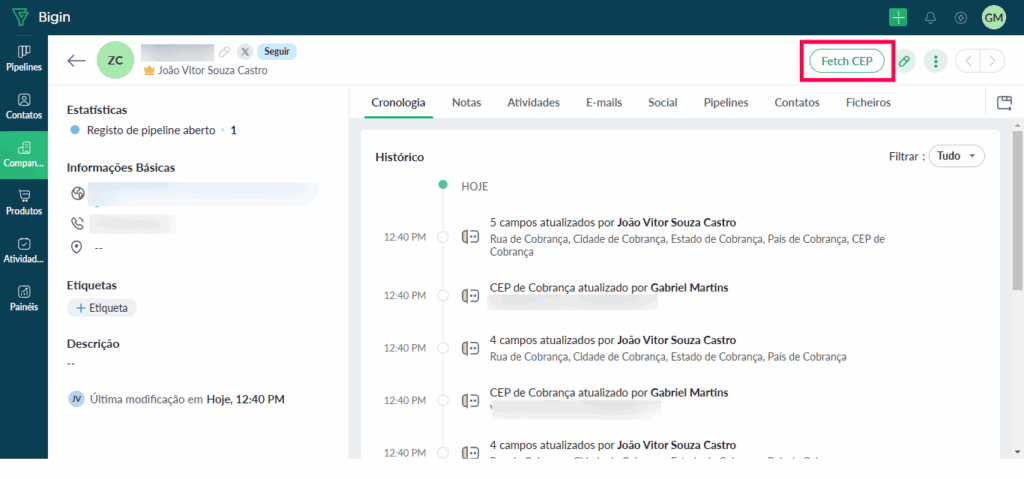
1. Click the “Fetch CEP” Button:
∙ Click on the “Fetch CEP” button to trigger the CEP search.
2. Retrieve Information:
∙ The extension will automatically retrieve the company’s CEP information, including details such as business name, legal status, address, and other relevant data.
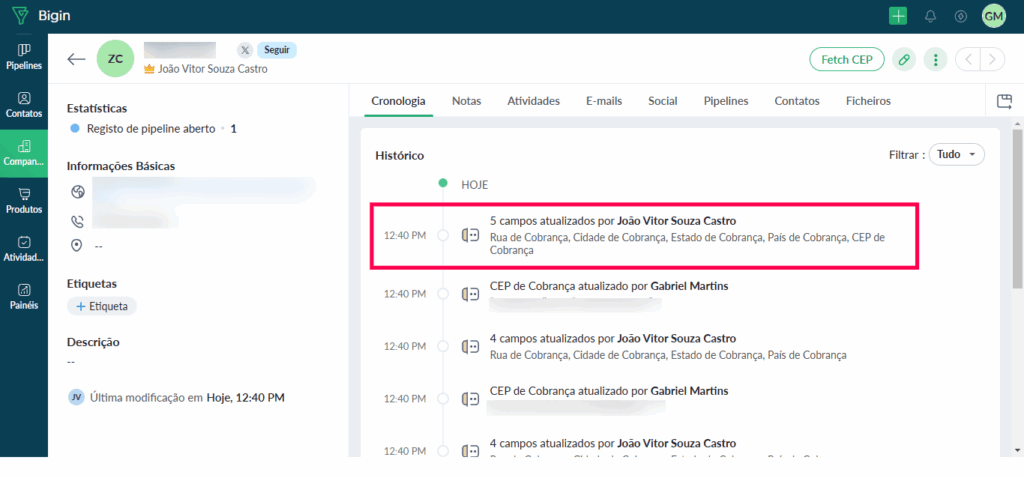
3. View the Results:
∙ The retrieved information will be displayed on the company record page, allowing you to easily review and use the company’s CEP details.


